
K-1 packages, processed.
Byron extracts the most complicated K-1, K-3, and state forms and brings the data it directly into your workflow
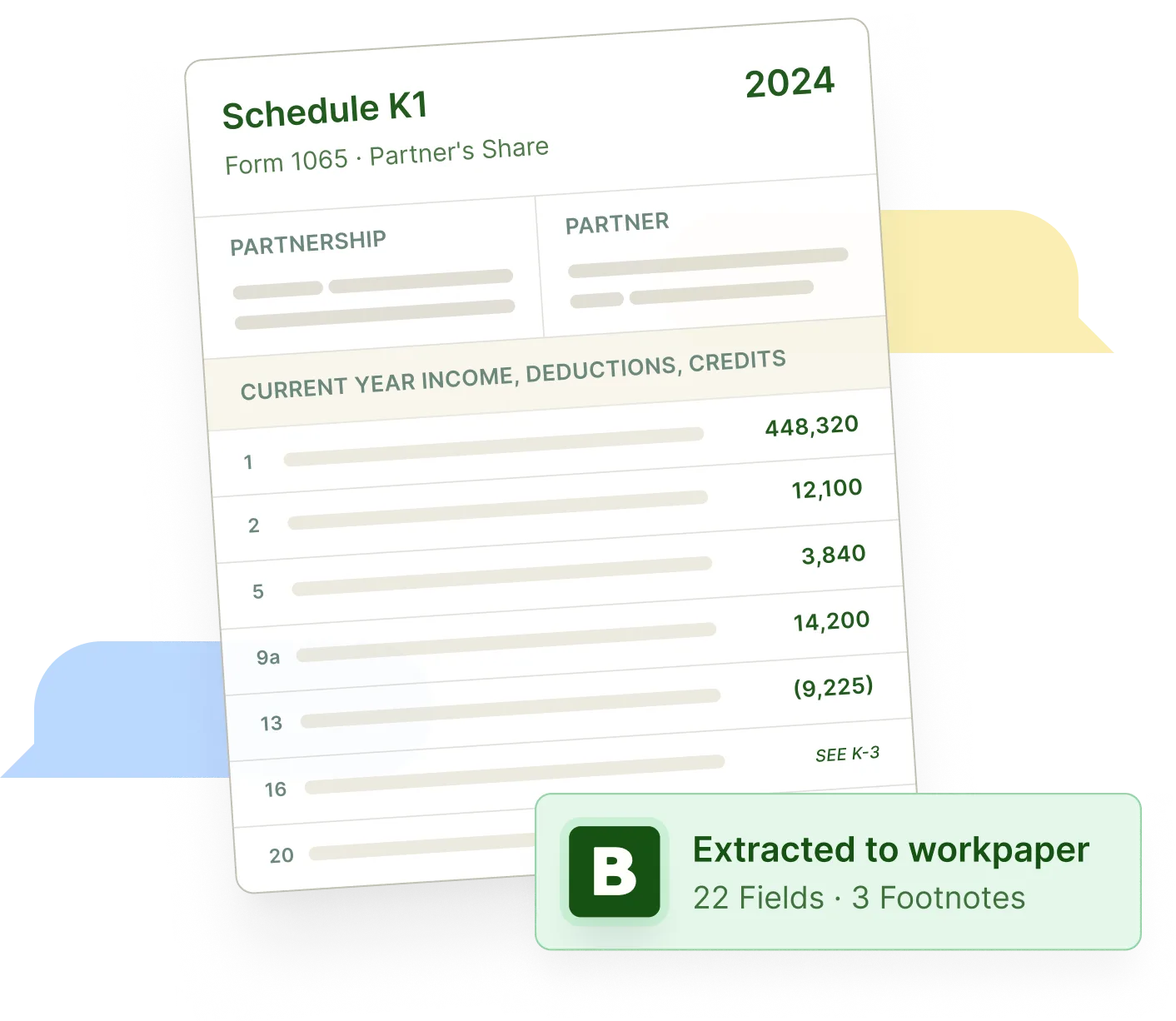
The hard part is not the face page.
Behind every K-1 packet are footnotes, K-3s, state schedules, supplemental pages, and partner-level details that need to be identified, checked, and prepared for review.
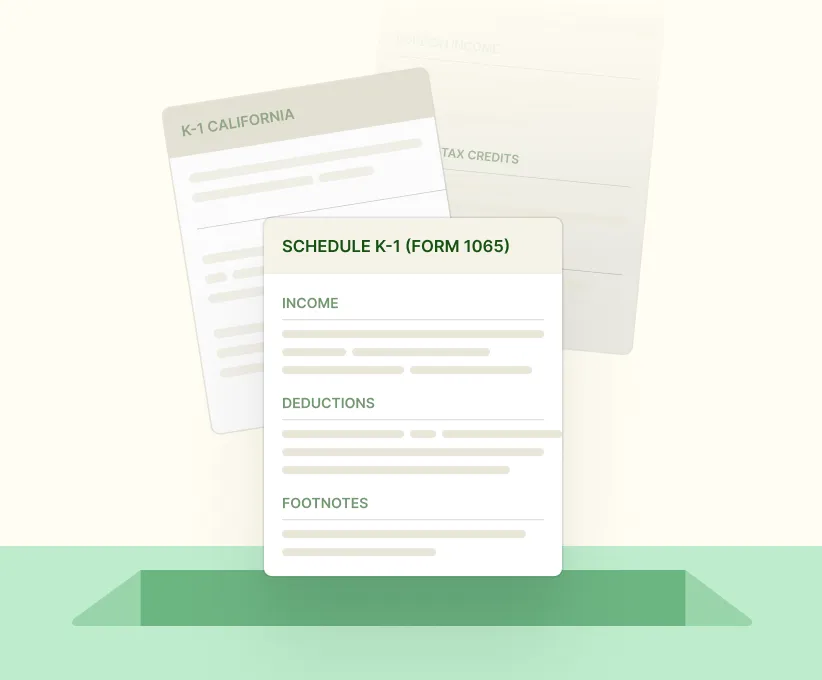
Every packet is different
Federal K-1s, state K-1s, K-3s, footnotes, and attachments all arrive in different formats.
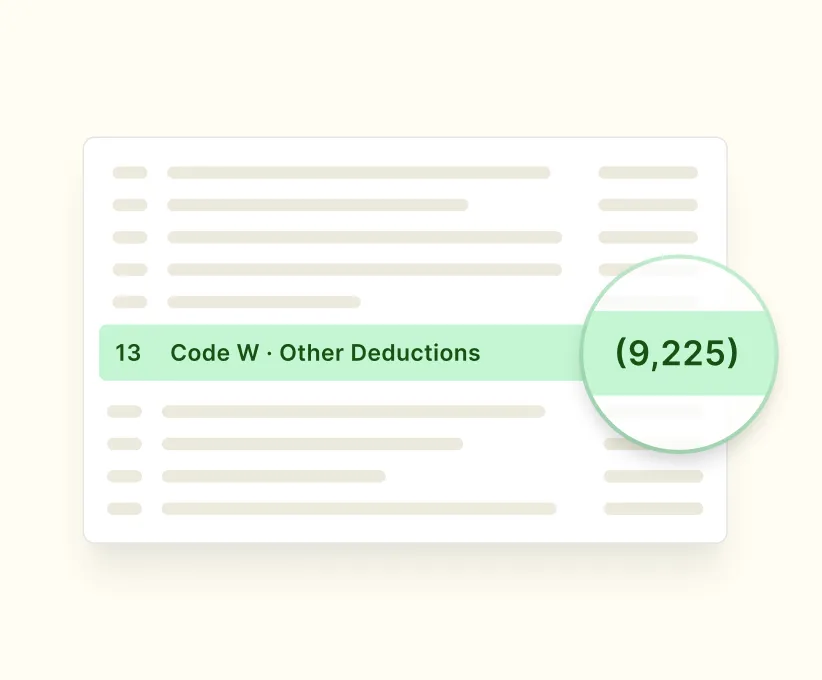
Important tax details are buried
The values that matter often live in footnotes, tables, supplemental pages, or partner-specific notes.

Manual prep does not scale
The more K-1s a client has, the more time staff spend keying, checking, and explaining the same types of items.
From K-1 packet to review-ready work paper.
1
Drop in K-1s and 1099s
Agents read every page and group related federal forms, state K-1s, K-3s, footnotes, supplemental schedules, and attachments.
2
Extract detailed data
Line items, supplemental values, footnote details, activity information, partner allocations, and supporting tables are pulled into structure.
3
Review exceptions
Extracted data is organized into review-ready Excel workpapers instead of disconnected fields.
4
Apply firm-specific rules
Reclassifications, allocations, and activity breakouts are applied based on firm-configured rules.
5
Generate Excel workpaper
Low-confidence items, inconsistencies, missing support, and judgment calls are surfaced for review.
6
Export to tax system
Reviewed data moves into Excel workpapers and tax software workflows.
Built for the K-1s firms actually struggle with.
What Byron handles
Federal K-1s
K-3s
State K-1s and state schedules
Footnotes and supplemental statements
Partner grids and activity detail
Mixed-format and scanned packets
What Byron produces
Review-ready Excel workpapers
Approved tax software output
Source-linked audit trail
Accuracy your reviewers can inspect.
Byron’s agents read across the face page, footnotes, K-3s, state schedules, and supplemental data, then apply firm-configured tax logic so accuracy stays high across packet formats, scan quality, and complexity.
99%+
Accuracy on standard forms
97%+
Accuracy on complex K-1s

What stood out to us about Byron was that it wasn't just another AI tool generating outputs in isolation; instead, it was built around how tax work actually gets done inside a firm. Their K-1 processing is among the strongest we've seen, and the platform helps our team spend less time rebuilding workpapers and chasing down information, and more time focused on review and client service.
Anshul Chawla
Director of Corporate Development, Chawla and Chawla
Bring the hardest K-1 package you have.
Bring the K-1, K-3, state schedules, footnotes, and supplemental statements. We will show you how Byron classifies the packet, extracts the data, builds the workpaper, and routes the exceptions.
