
Last year's workbook. This year's data. No manual rebuild.
Byron enables CPAs to reimagine the business tax process using AI – in just a few clicks you can process data, create binders, build SALY workpapers in excel, and create review ready returns
Book A Demo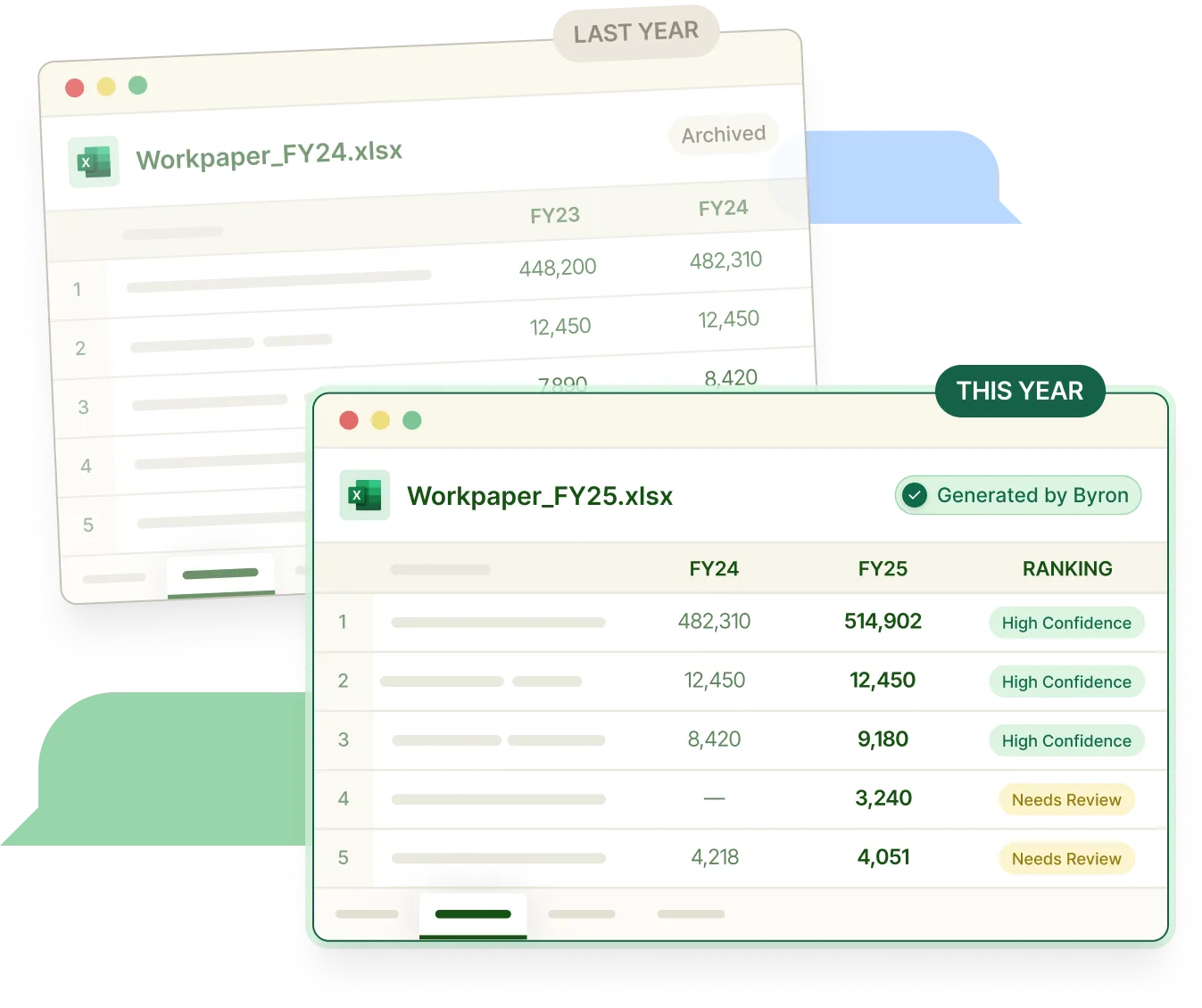
An AI preparer for business tax returns
Business tax prep happens across request lists, source documents, binders, Excel workpapers, review notes, and tax software. Byron works the return alongside your team – from request list to filed workpapers
Pull down customer data
Sync data from accounting software, tax systems, emails, and document management systems – then generate PBC request lists
Organize the binder
Categorize, rename, and route incoming documents into a smart binder
Learn last year’s return
Understand how your team has treated specific items for each client across M1, M3, depreciation, and state apportionment
Apply book-to-tax adjustments
Utilize similar treatment as last year, surface exceptions, and apply current year tax logic to the return
Generate the workpapers
Use prior-year workpapers and current-year source data to flag what’s changed and to generate new custom Excel workbooks
Review and export
Evaluate exceptions, then move approved output into tax software while maintaining a full audit trail
A review-ready workbook across 1065, 1120, and 1120-S returns.
Byron turns source documents, trial balances, and prior-year files into the Excel workpaper package your team already uses to prepare, review, and export business tax work
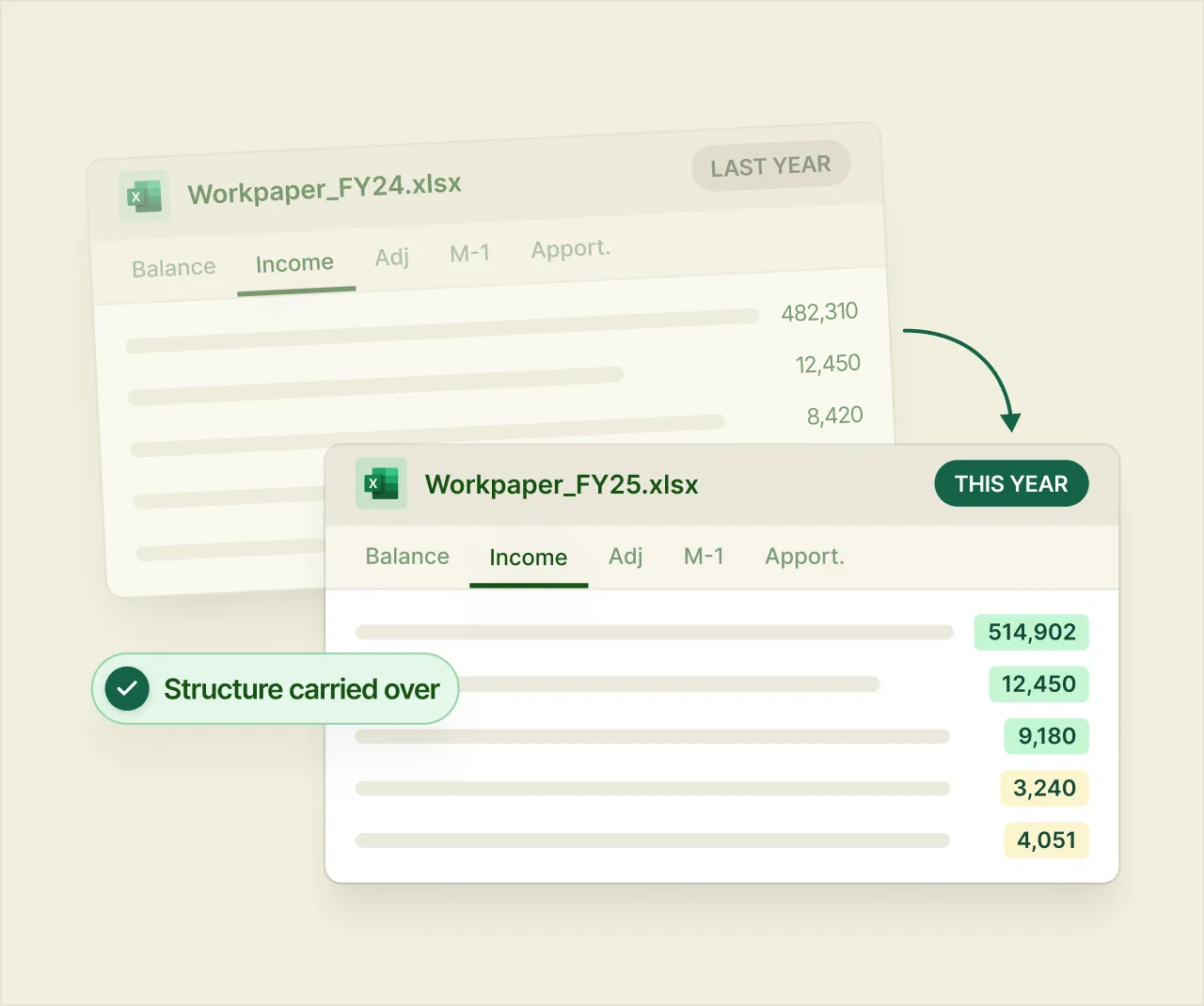
Same as last year Excel Workbooks
Byron ingests your prior-year workpapers and maps the current year data onto the same structure: same tabs, same templates, same conventions. Excel stays central. Byron stays synced both ways.
DOCUMENTS & BINDERS
Binder index
Source documents organized, classified, renamed, and linked to the engagement.
Source-document workpapers
Support from PDFs, Excel files, K-1s, K-3s, statements, state schedules, and supplemental documents.
WORKBOOK SCHEDULES
K-1 and pass-through schedules
Structured K-1 workpapers with source links, exceptions, and approval status.
Book-to-tax support
Support for book-to-tax adjustments, including M-1/M-3 workflows where applicable.
REVIEW & EXPORT
Review package
Open items, confidence flags, reviewer notes, approvals, overrides, and sign off history.
Export-ready outputs
Approved values prepared for Excel updates, tax software, and audit-ready workpaper packages.
One workbook. The whole engagement.
Byron pulls from your file storage, accounting systems, email, and tax software, keeps Excel central, stays synced both ways, and stays current as new documents arrive.
Integrated with existing systems
Byron connects to your file storage, accounting systems, email, Excel, and tax software, so agents can work from the systems your team already uses.
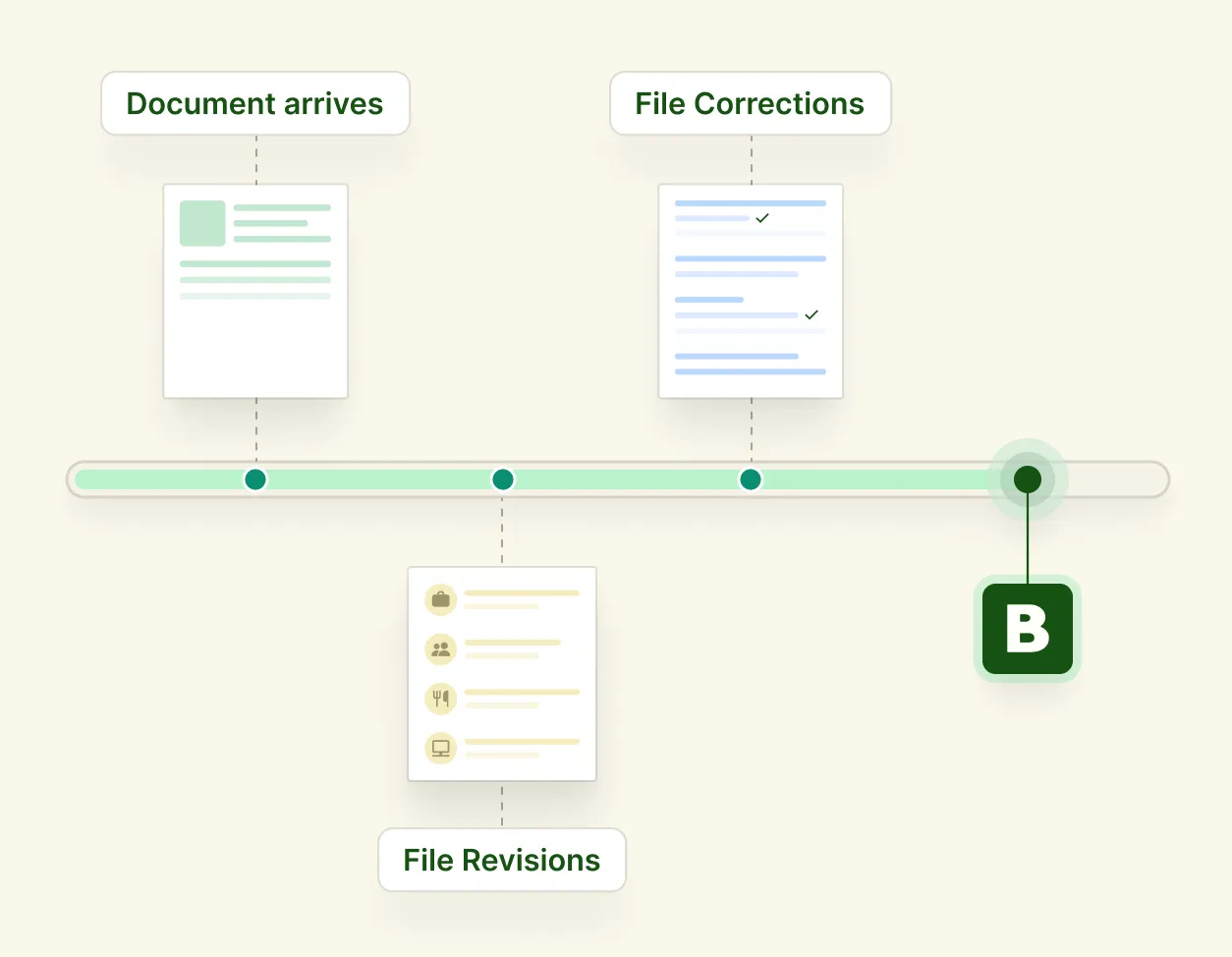
Long-running by design
K-1s arrive late, trial balances get revised, clients send corrections. Byron's agents stay on the engagement, picking up where they left off as new documents land.
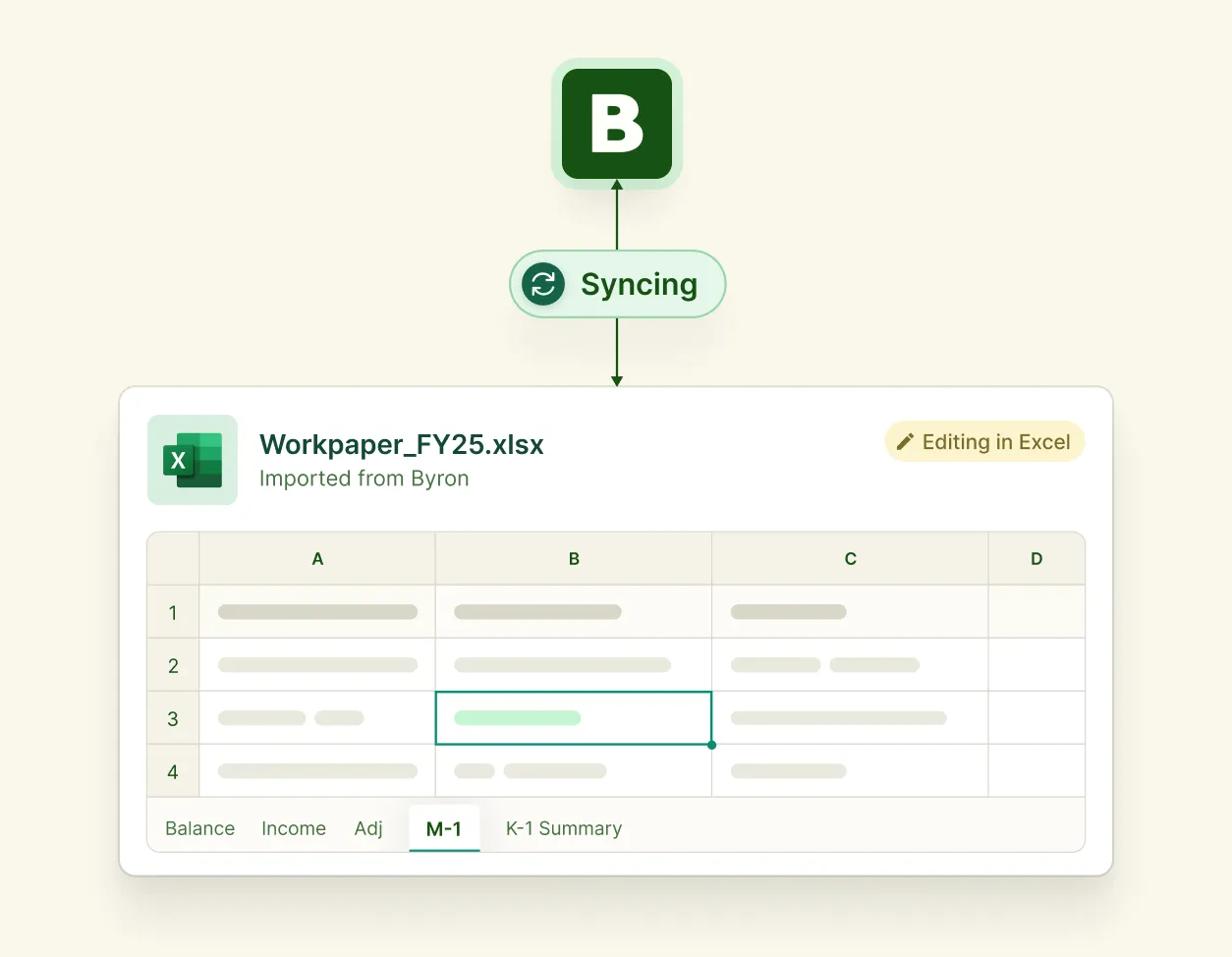
Bidirectional Excel sync
Reviewer edits in Excel flow back into Byron and into your tax engine without manual rekeying.
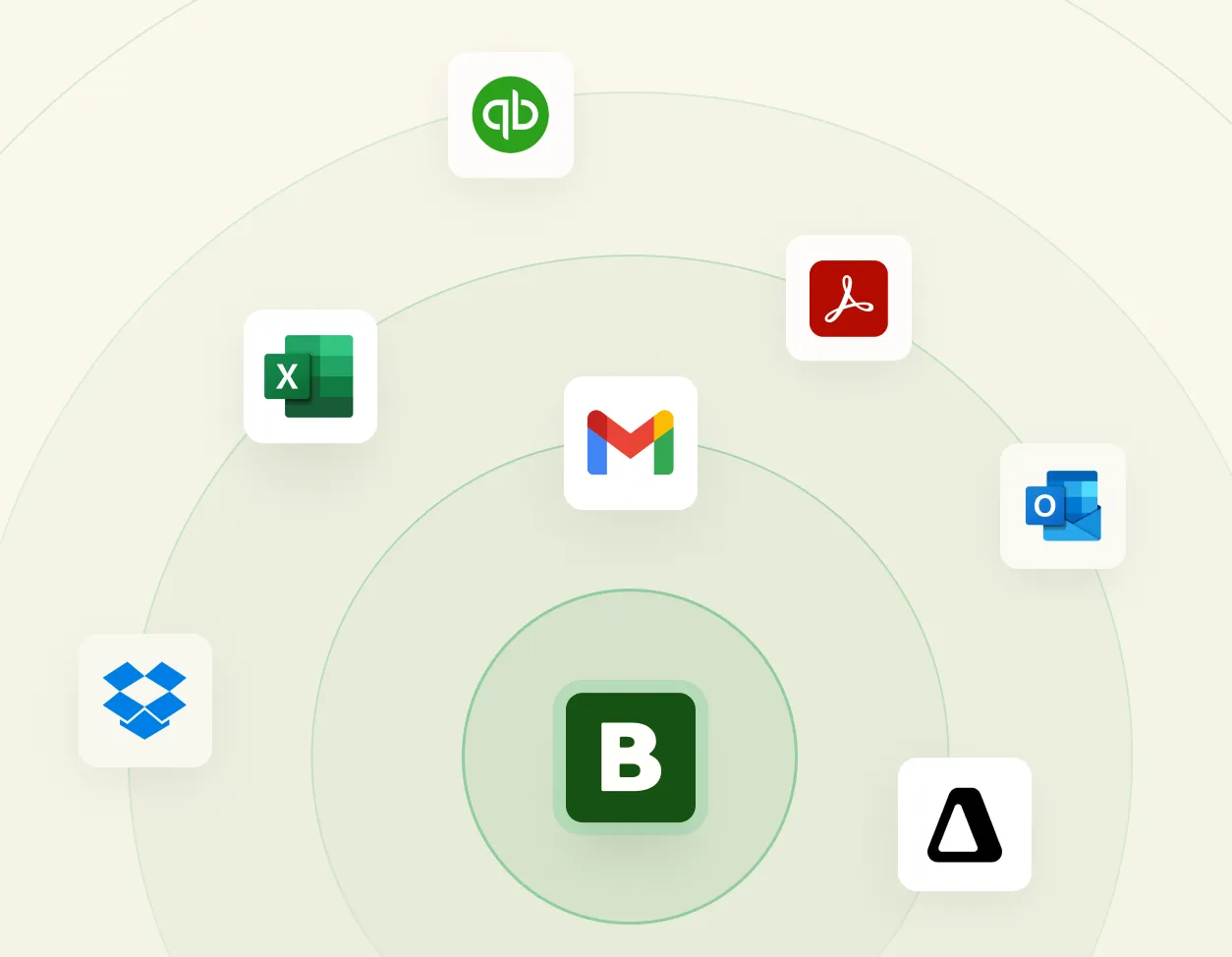
Integrated with existing systems
Byron connects to your file storage, accounting systems, email, Excel, and tax software, so agents can work from the systems your team already uses.
Long-running by design
K-1s arrive late, trial balances get revised, clients send corrections. Byron's agents stay on the engagement, picking up where they left off as new documents land.

Bidirectional Excel sync
Reviewer edits in Excel flow back into Byron and into your tax engine without manual rekeying.
Agents prepare. Reviewers decide.
Byron is designed for controlled automation. The system prepares the workbook and recommends next actions, but the CPA stays in charge of judgment, approval, and signoff.
01
Source-linked outputs
Prepared values trace back to source documents and supporting context.
02
Exception-based review
Reviewers start with the items most likely to need attention.
03
Approval workflow
Agents can suggest next steps, but reviewers approve the work before it moves forward.
04
Workbook-aware audit trail
Every action, edit, comment, approval, override, workbook update, sync event, and export is recorded.
Questions tax teams ask first.
How Byron fits into your workflow, protects client data, and keeps reviewers in control.
Does Byron replace our tax software?
No. Byron helps prepare the return and push finished output into the tax engine you already use. You keep filing exactly where you file today.
Does Byron replace Excel?
No, and it isn't meant to. Your team keeps working in Excel the way it always has. Your workbook stays synced with Byron, so the trial balance, adjustments, and workpapers get built for you instead of by hand. The goal is the same Excel you trust, reached faster.
How does Byron integrate with our existing systems?
Byron pulls from where your information already lives - client documents, portals, emails, shared drives, and accounting systems - and exports finished workpapers into your tax engine. Your firm doesn't have to change how it files or where its data sits.
What makes Byron agentic?
Byron uses tools and integrations with your tech stack to run the whole job: it gathers documents, asks clients for what's missing, applies book-to-tax adjustments, and prepares the return for review. The work is prepared by agents and reviewed by your team, with a confidence score on every item so your team knows where to look first.
What happens when new documents arrive after the workbook is generated?
Byron processes the new documents, updates the workpapers they affect, and flags what changed for your team to review. Nothing is overwritten silently.
Who stays in control?
Your firm does, start to finish. Byron automates the manual prep, but you keep the client relationship and the context, and your team reviews,approves, and signs. Byron supports your review; it never replaces your judgment or files on its own.
See Byron run a real business-tax engagement.
Bring the prior-year file, current-year trial balance, K-1s, and source documents. We will show you the agent workspace, generated Excel workbook, review queue, sync workflow, audit trail, and tax software export.
